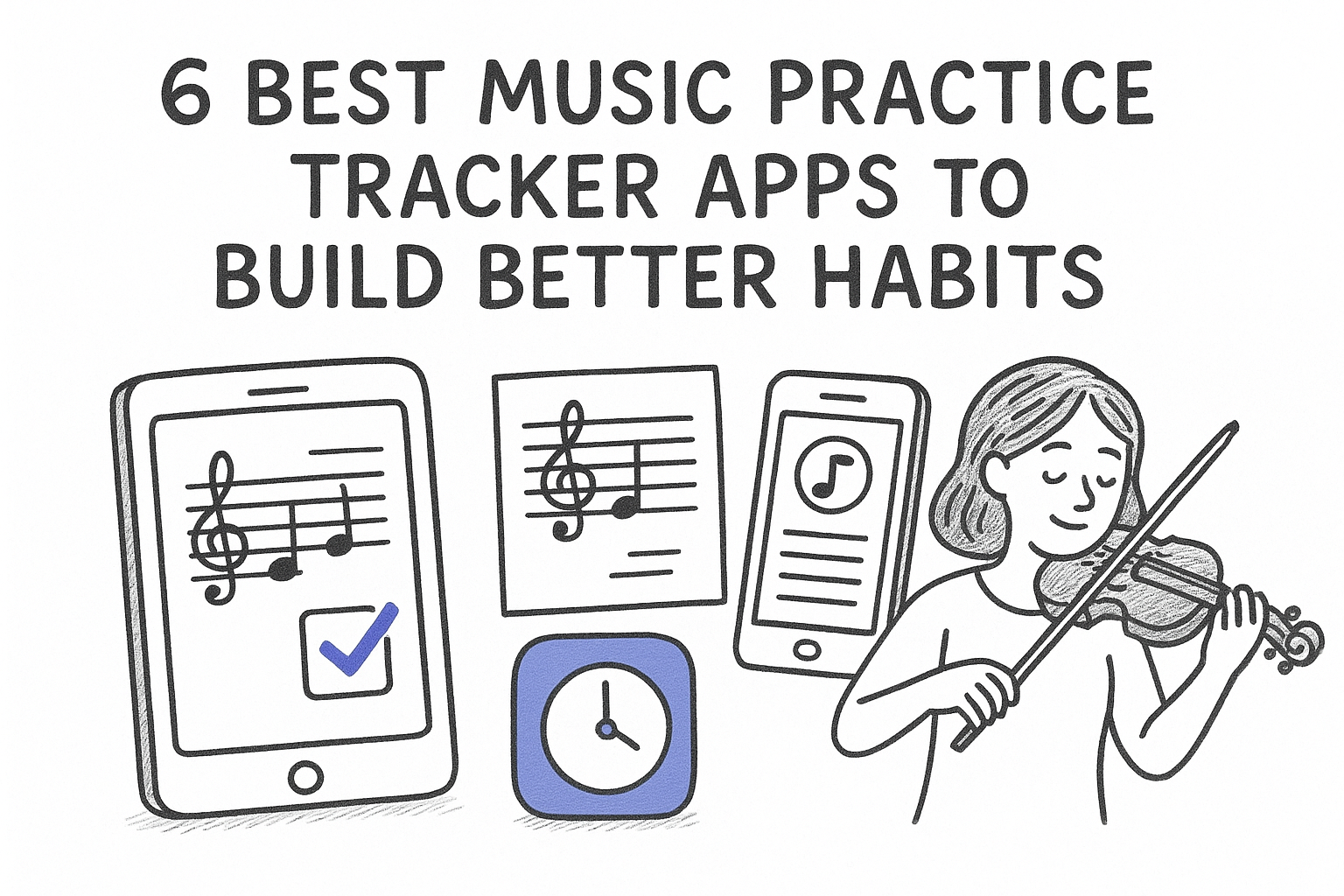
6 Best Music Practice Apps and Habit Trackers for Musicians
The best music practice app does more than count minutes. It helps you decide what to practice, records how each skill went, and makes it easier to return tomorrow. A music habit tracker can build consistency with streaks and reminders, but a dedicated practice app can also manage repertoire, weak passages, feedback, and review timing.
That distinction matters. If your main problem is showing up, a simple habit tracker may be enough. If you already practice but keep repeating comfortable material while difficult passages go stale, look for a music practice app that combines a log with adaptive scheduling. MemoRep is built for that second problem: it uses your Again, Hard, Good, or Easy rating to decide which practical skill should return next.
Below are six options for different needs, including timers, journals, recording tools, streak trackers, and adaptive practice scheduling. Compare how each app handles planning, feedback, habit formation, and the question that matters at the start of a session: what should I practice today?
Music practice app vs. music habit tracker
A music habit tracker rewards consistency: you practice, check off the day, and protect a streak. A music practice app goes deeper by organizing exercises or repertoire and recording what happened inside the session. Some tools do both. Choose a habit tracker when attendance is the bottleneck; choose a practice manager when prioritization and skill retention are the bottlenecks.
1. MemoRep
MemoRep is built specifically for musicians and other practical-skill learners who need a spaced repetition practice management platform, not a flashcard app repurposed for scales. It uses the Ebbinghaus forgetting curve and the SuperMemo SM-2 algorithm to figure out exactly when a skill is about to fade from memory, then puts it back on your list right before that happens. If you've ever finished a session and wondered whether you actually worked on the right things, this is the app that answers that question for you every single day.
How it works
You create practice cards for individual skills, licks, passages, or techniques, and organize them inside projects that mirror your repertoire or curriculum. After each session, you rate how it went using an Again/Hard/Good/Easy scale, and MemoRep's real-time scheduling algorithm recalculates when that item should resurface. There's no manual spreadsheet, no sticky notes on your music stand, just a queue that tells you what to practice next.
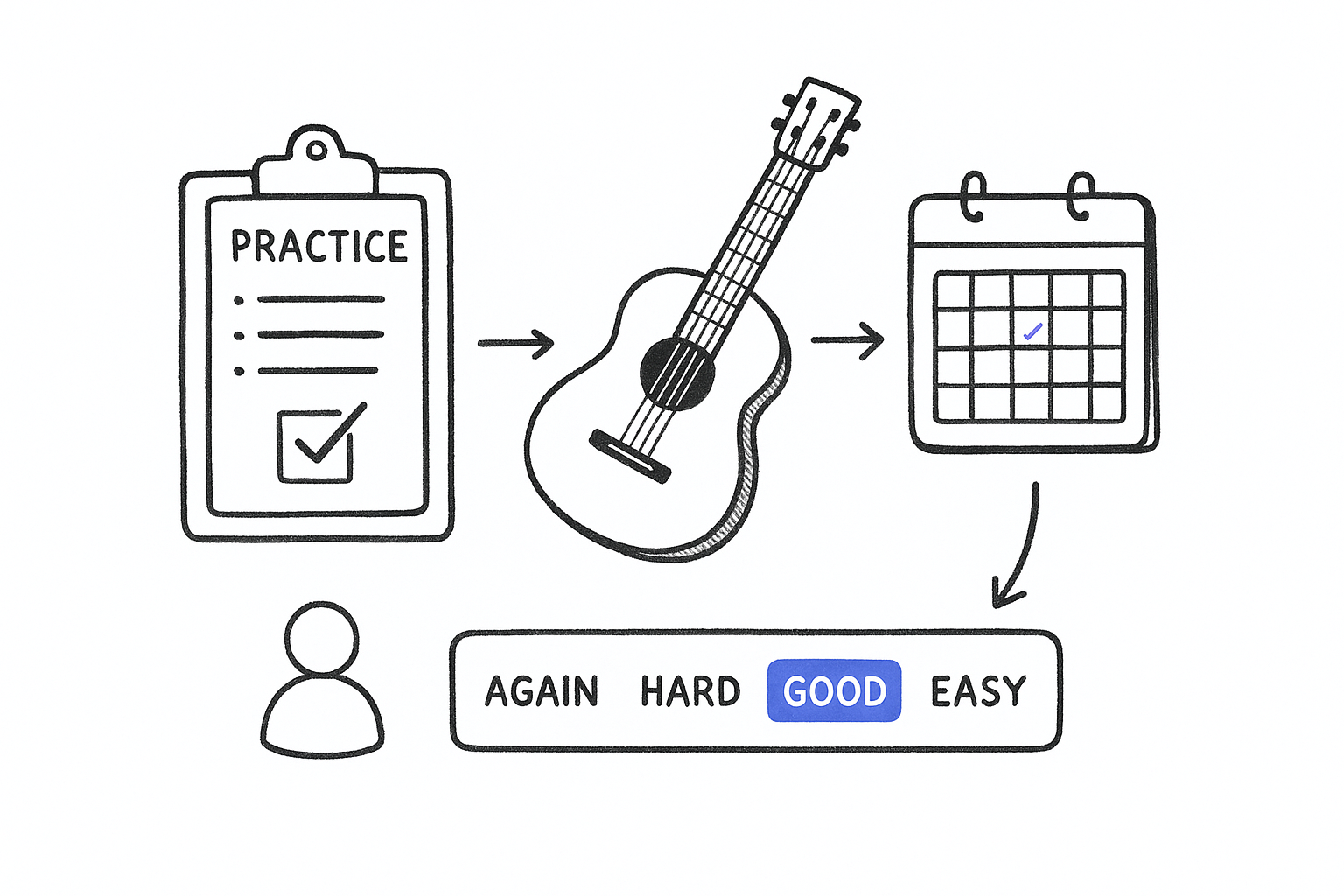
- Build practice cards for scales, etudes, passages, or repertoire sections
- Group related cards into projects for a piece, method book, or technique family
- Rate each session so the algorithm adjusts future intervals automatically
- Get reminder notifications when a card is due
- Track progress visually across weeks and months
The app decides what's due today so you don't have to guess.
Who it's for
MemoRep suits musicians and skill practitioners who feel their practice sessions lack direction, especially those juggling more exercises than they can reliably track in their head. It's a strong fit for anyone who has felt a skill go rusty simply because they forgot to revisit it, or who wastes time each session deciding what to run through first. Deliberate practicers who want measurable, science-backed structure will get the most value here, more than casual players who just want a metronome and a log.
Pricing
MemoRep is currently in a limited beta program, and the first 200 users get free premium access while the platform refines its scheduling engine based on real feedback. That's a meaningful window for musicians who want to shape a tool built around their actual practice habits rather than adapt a generic productivity app to the job.
2. Modacity
Modacity built its name as a practice journal app for musicians who want structure without a strict algorithm running the show. It combines a session timer, audio recording, and goal-setting into one interface, letting you log what you worked on and how it felt. Unlike MemoRep, it won't calculate when a skill is about to fade from memory, so you're still the one deciding what belongs on tomorrow's list.
How it works
You start a session, pick a goal or exercise, and hit record while a timer runs in the background. Afterward, you can review the recording, jot notes, and mark the item as practiced. Some plan tiers add goal tracking dashboards that chart streaks and total minutes over weeks.
A timer and a recorder can tell you what you did, but not what you should do next.
Who it's for
Modacity fits music students and private teachers who want a shared space to log lessons, assign goals, and review recordings between sessions. It suits learners who value self-recording and reflection over automated scheduling, and teachers who want visibility into what students actually practiced during the week.
Pricing
Modacity offers a free tier with basic timer and journal features, plus paid subscription tiers that unlock recording storage, goal tracking, and teacher-student sharing tools. Pricing runs on a monthly subscription model, with discounts for annual commitments, similar to most habit and productivity apps in this space.
3. Instrumentive
Instrumentive positions itself as a practice tool for serious students and conservatory-track players who need detailed session logs more than automated scheduling. It leans heavily on video, letting you record yourself, tag specific technical issues, and build a searchable archive of your progress over months or years. Where MemoRep decides what's due today, Instrumentive gives you the footage to prove what you actually worked on.
How it works
You log a practice session, attach a video or audio clip, and tag it with the piece, technique, or teacher comment it relates to. The app organizes these entries into a timeline, so you can scroll back and compare how a passage sounded three months ago versus now. Some session templates let you set goals before you start, then check them off as you go, though nothing in the app calculates when a skill needs revisiting.
Recording every session builds a record of progress, but it still leaves the scheduling to you.
Who it's for
Instrumentive suits conservatory students and competitive players who work closely with a teacher and need to document technical development over a long stretch of time. It also fits teachers who want a shared library of student recordings to reference during lessons. Casual hobbyists looking for a quick daily nudge on what to run through will likely find the video-heavy workflow more overhead than they want.
Pricing
Instrumentive runs on a freemium model, with a limited free tier for basic logging and a paid subscription that unlocks unlimited video storage, tagging, and teacher-sharing features. Pricing sits in the same range as other subscription-based music apps, billed monthly or annually.
4. Andante
Andante takes a minimalist habit-tracking approach to music practice, stripping away video and journaling in favor of a clean streak counter and daily checklist. It works more like a habit app that happens to be tuned for musicians than a dedicated practice management system, so if you want scheduling intelligence, you won't find it here. What you get instead is a fast way to mark practice done and see how many days in a row you've shown up.
How it works
You set a handful of practice goals, like "scales," "sight-reading," or "new piece," and check them off once you've spent time on them each day. Andante logs a daily streak and shows a simple calendar heat map so you can see patterns in your consistency over weeks. There's no rating system and no algorithm deciding what resurfaces tomorrow, the app assumes you already know what needs attention.
A streak counter rewards showing up, not necessarily practicing the right thing.
Who it's for
Andante suits beginners and casual players who mainly need motivation to practice at all, rather than help deciding what to practice. It works well for someone building a daily habit from scratch, where consistency matters more than optimizing which skills get revisited. Musicians juggling a large repertoire or many technical exercises will likely outgrow its simplicity fast.
Pricing
Andante is largely free to use, with an optional one-time purchase or small tip-based unlock for extra themes and statistics. There's no recurring subscription, which makes it an easy, low-commitment starting point for anyone unsure if they'll stick with tracking their practice.
5. Practice Time!
Practice Time! is a straightforward session logger built for musicians who just want a timer, a log, and a few charts, without any scheduling logic deciding what comes next. It's closer to a stopwatch with a memory than a practice management system, which makes it fast to pick up but limited once your repertoire grows past a handful of pieces. If you've outgrown pen-and-paper logs but aren't ready for an algorithm-driven queue, this sits right in the middle.
How it works
You pick an instrument or category, start the timer, and let it run while you play. When you stop, you add a short note about what you covered, and the app tallies your total practice minutes into daily, weekly, and monthly charts. Some versions let you set a target number of minutes per day, and the app nudges you with a notification if you haven't hit it yet.
Logging minutes tells you how long you practiced, not whether you practiced the right things.
Who it's for
Practice Time! suits students and parents tracking lesson requirements, especially kids working toward a weekly minutes goal set by a teacher. It also fits adult hobbyists who want a simple habit log without diving into video, journaling, or spaced repetition. Anyone managing more than a few recurring skills will likely find the flat log hard to navigate after a few months.
Pricing
Practice Time! is free with optional in-app purchases that remove ads and unlock extended chart history. There's no subscription tier, making it a low-risk pick for casual trackers who mainly want visibility into total minutes logged.
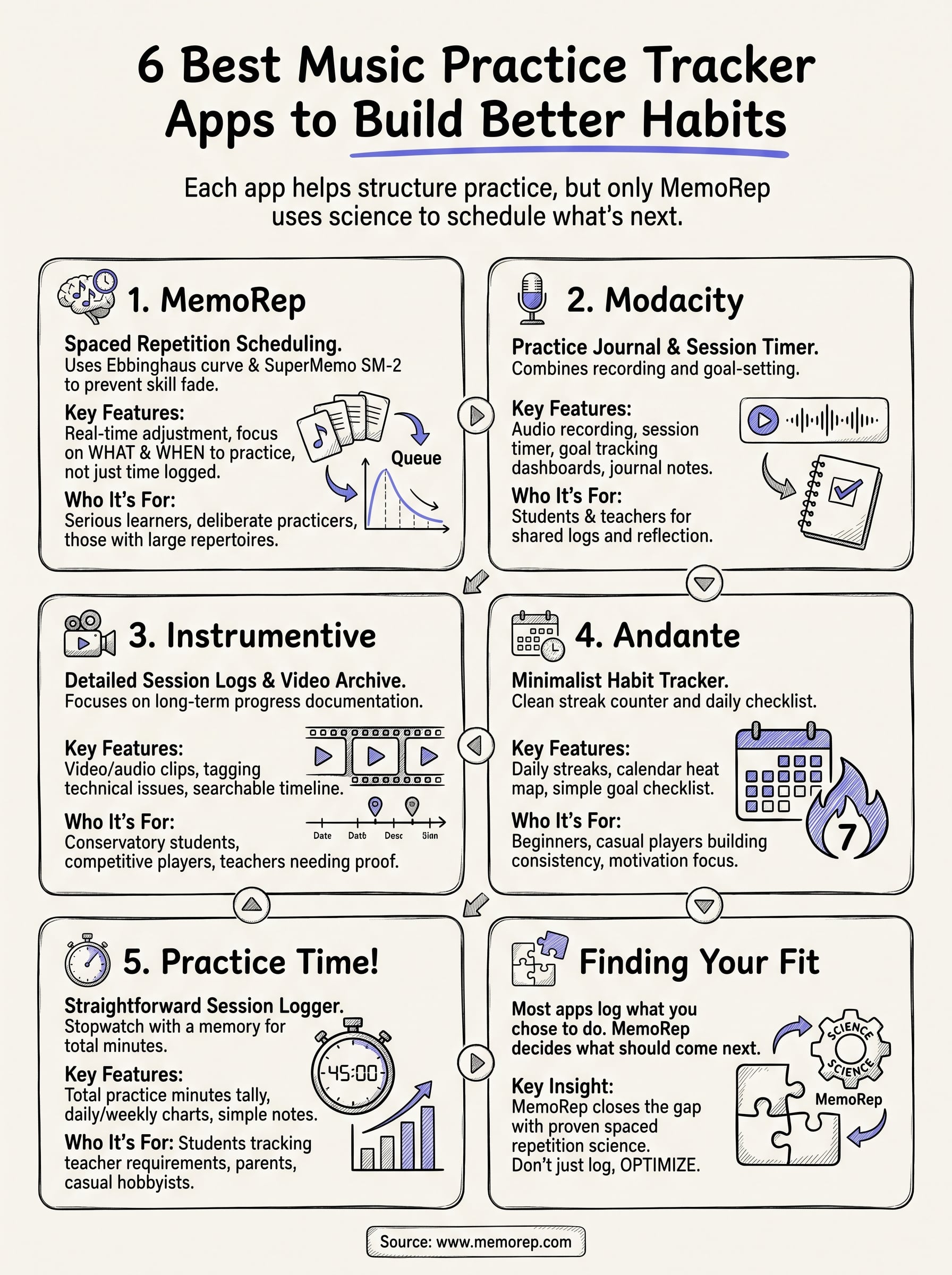
Finding the practice app that fits you
Each app on this list solves a different piece of the practice puzzle. Andante and Practice Time! give casual players a low-friction way to build a habit. Modacity and Instrumentive add recording and journaling for students who work closely with a teacher. But none of them decide what you should practice next, they just log what you already chose to do.
That's the gap MemoRep closes. Instead of leaving scheduling to memory or guesswork, it applies proven spaced repetition science to tell you exactly which skill needs attention today, before it fades. If you're tired of practicing the same three things while everything else goes rusty, that's the problem worth solving first.
See how MemoRep schedules practical skills, then join the MemoRep beta to turn your exercises and difficult passages into a daily practice queue. Early users can claim free access for life while spots remain.