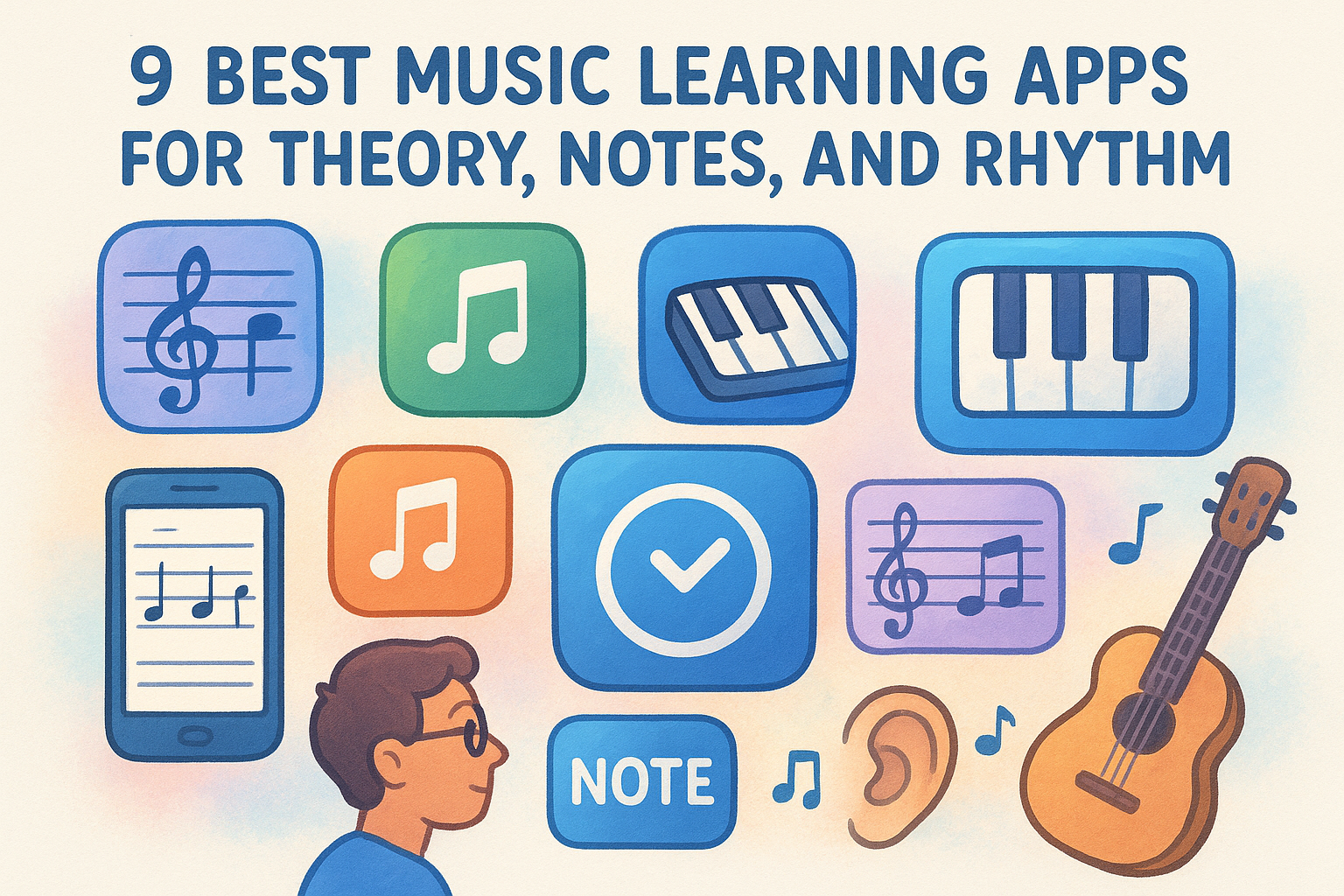
9 Best Music Learning Apps for Theory, Notes, and Rhythm
You've got a phone full of apps promising to teach you music, and half of them feel like the same flashcard game with a different coat of paint. Some are built for absolute beginners who can't read a staff yet. Others assume you already know your scales and just want ear training or sight-reading drills. Picking from the best music learning apps without wasting weeks on the wrong one means knowing what each app actually does well.
This list breaks down nine apps by what they're actually good for: theory fundamentals, note reading, rhythm, and ear training, so you can match one to your current skill level or your kid's age group instead of guessing. You'll see where each one shines and where it falls short, because no single app covers everything you need.
Worth knowing upfront: these apps teach you the concepts, but none of them manage the actual grind of remembering what to revisit and when. That's a separate problem, one spaced repetition for practice, like what MemoRep does, is built to solve once you know what you're learning, and the payoff of spacing your practice sessions shows up in what you still remember weeks later. Read on for the full breakdown.
1. MemoRep
MemoRep isn't a music lesson app in the traditional sense. It doesn't teach you scales, chords, or how to read a staff. Instead, it manages the part every other app on this list ignores: knowing exactly what to practice today and what can wait until tomorrow. If you already have repertoire, exercises, or drills from a teacher, a method book, or one of the apps further down this list, MemoRep organizes them into a spaced repetition schedule so nothing goes stale.
How it works
You create practice cards for anything you're working on: a chord transition, a scale pattern, a passage from a piece, an ear-training drill. Each card gets scheduled using the SuperMemo SM-2 algorithm, the same math behind the Ebbinghaus forgetting curve, which predicts when a skill is about to fade from memory. After each session, you rate the card Again, Hard, Good, or Easy, and the app adjusts the next review interval based on your answer.
The right practice app doesn't just show you what to learn, it tells you when you're about to forget it.
Who it's for
MemoRep suits musicians who already have material to practice but struggle with the organizing part: too many exercises, no clear order, and skills quietly going rusty between sessions. It's built for practical skill learners generally, not just musicians, so it works equally well for anyone drilling repeatable techniques rather than memorizing facts, which is the story behind why MemoRep exists in the first place. Beginners fresh off Simply Piano or Yousician often bring their new material here once they need a system to retain it long-term.
Key features
- Practice card creation organized into projects, so a beginner guitarist and their scale drills stay separate from repertoire pieces
- Adaptive scheduling that reacts to your Again/Hard/Good/Easy feedback in real time
- Practice reminder notifications so sessions don't get skipped and intervals don't drift
- Progress tracking and visualization to see which skills are solid and which need attention
- No flashcards, no rote text memorization, built specifically around practical skills like technique and repertoire
Pricing
MemoRep is currently in a limited beta, and the first 200 users get free premium access. Full pricing details and current beta availability are on the MemoRep site, and getting in early is the only way to lock in the free tier before it closes.
2. Yousician
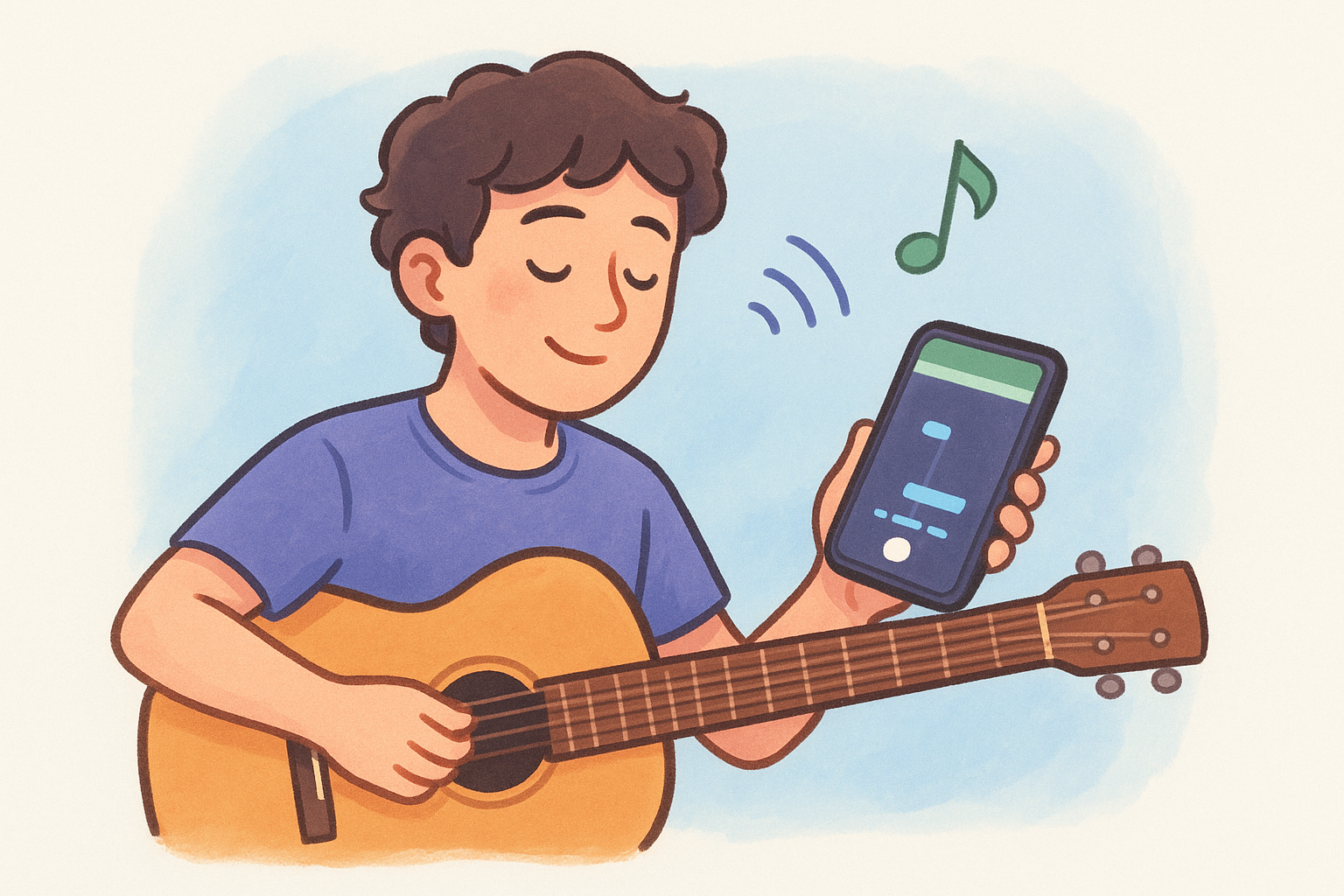
Yousician turns your phone or tablet into a listening booth that grades you in real time. You play or sing into the microphone, and the app's pitch-detection engine checks whether you hit the right notes, at the right time, on guitar, piano, bass, ukulele, or vocals. It's one of the most recognized best music learning apps because it gamifies practice with a note highway similar to Guitar Hero, so you're reading rhythm and pitch cues as they scroll toward you.
How it works
Lessons run through a structured path of songs and exercises, starting with basic chords or single notes and building toward full songs. Your instrument's sound feeds through the microphone, and the app scores accuracy note by note, then repeats weak spots until you clear them.
An app that hears you play is worth more than one that just shows you a diagram.
Who it's for
Yousician suits complete beginners who want structure without a teacher standing over them, plus intermediate players chasing specific songs. Kids and casual hobbyists tend to stick with it longest because of the game-like scoring.
Key features
- Real-time pitch and rhythm detection through your device microphone
- Structured lesson paths across guitar, piano, bass, ukulele, and voice
- A large song library mixing pop, rock, and classical pieces
- Progress stats and daily streaks to encourage consistency
Pricing
Yousician offers a free tier with limited daily practice time, plus a Premium subscription (roughly $19.99/month or less annually) that unlocks unlimited practice, the full song library, and offline access.
3. Simply Piano by JoyTunes
Simply Piano listens to you play through your device's microphone, similar to Yousician, but it narrows its focus entirely to piano and keyboard. Instead of a note highway with gamified scoring, it walks you through sheet music basics on real repertoire, from pop songs to classical pieces, and corrects your hand position and timing as you go.
How it works
JoyTunes built the app around short daily lessons that combine note-reading drills with actual songs. You place your phone or tablet near the keys, and the microphone picks up which notes you play, flagging wrong notes and pacing issues in real time. Lessons adapt slightly based on whether you're playing on an acoustic piano, digital keyboard, or app-generated keys.
Software that hears your mistakes as you make them teaches faster than software that only checks the finished take.
Who it's for
Simply Piano fits absolute beginners who own a keyboard or piano and want a guided path without hiring a teacher immediately. Parents also lean on it for kids starting piano, since the interface stays simple and the song choices skew toward recognizable tunes rather than dry exercises.
Key features
- Microphone-based note detection tuned specifically for piano and keyboard
- Note-reading lessons that build toward playing full songs
- A song library spanning pop, movie themes, and classical standards
- Adjustable difficulty paths for kids versus adult learners
Pricing
Simply Piano offers a free trial with a handful of lessons, then moves to a subscription, typically around $13-20/month depending on billing length, with discounts for annual plans and family bundles.
4. Musictheory.net
Musictheory.net strips away games and gamification entirely. It's a no-frills reference and drill site that teaches music theory fundamentals through short lessons and unlimited practice exercises, and it stays near the top of any shortlist of apps for learning music theory because it's been a staple for students and teachers since long before app stores existed. If Yousician and Simply Piano are the fun on-ramps, this is where you go once you need to actually understand what you're playing.
How it works
Each lesson covers one concept, staff notation, key signatures, intervals, chords, in plain text and diagrams, followed by a matching exercise generator. You answer as many randomized drills as you want until the concept sticks, with instant right-or-wrong feedback on every question.
Understanding a scale on paper matters less than being able to name it instantly when it's thrown at you.
Who it's for
Students who want a practical route to improving at music theory before an exam, teachers assigning homework, and self-taught musicians who realize they can play by ear but can't read a chart fit this app best. It suits anyone who prefers plain-text lessons over animated mascots and song-based gamification.
Key features
- Bite-sized lessons on notation, intervals, chords, and key signatures
- Unlimited randomized drills for reading music, ear training, and rhythm
- A companion mobile app, Tenuto, for practicing on the go
- Free, ad-supported access with no account required for most content
Pricing
The core website is completely free. The optional mobile companion apps carry a small one-time purchase price instead of a subscription.
5. Tenuto
Tenuto is the mobile companion to Musictheory.net, built by the same team, and it takes the website's drill engine and repackages it for quick sessions on your phone. There's no song library, no gamified scoring, just a focused set of music theory drills covering note identification, intervals, scales, and rhythm, all designed for short bursts of practice between other tasks.
How it works
You pick a drill category, say, treble clef note naming or interval recognition, and the app throws randomized questions at you with a timer running in the background. Wrong answers get flagged instantly, and you can adjust difficulty settings like note range or key signature complexity to match where you're stuck.
A five-minute drill on the bus does more for note-reading speed than an hour of passive review once a week.
Who it's for
Tenuto suits students who already started with Musictheory.net's lessons and want a portable note reading practice tool for daily reps, alongside a set of music sight reading exercises to work through away from the screen. Band and orchestra students cramming for chair placement tests lean on it heavily, since the drills mirror exactly what's tested: quick, accurate note and interval identification under time pressure.
Key features
- Customizable drills for notes, intervals, scales, chords, and rhythm
- Adjustable difficulty settings for clef, key, and note range
- Timed practice mode to build recognition speed
- Works fully offline once downloaded
Pricing
Tenuto is a one-time purchase, typically around $4-5 depending on platform, with no subscription and no ads.
6. EarMaster
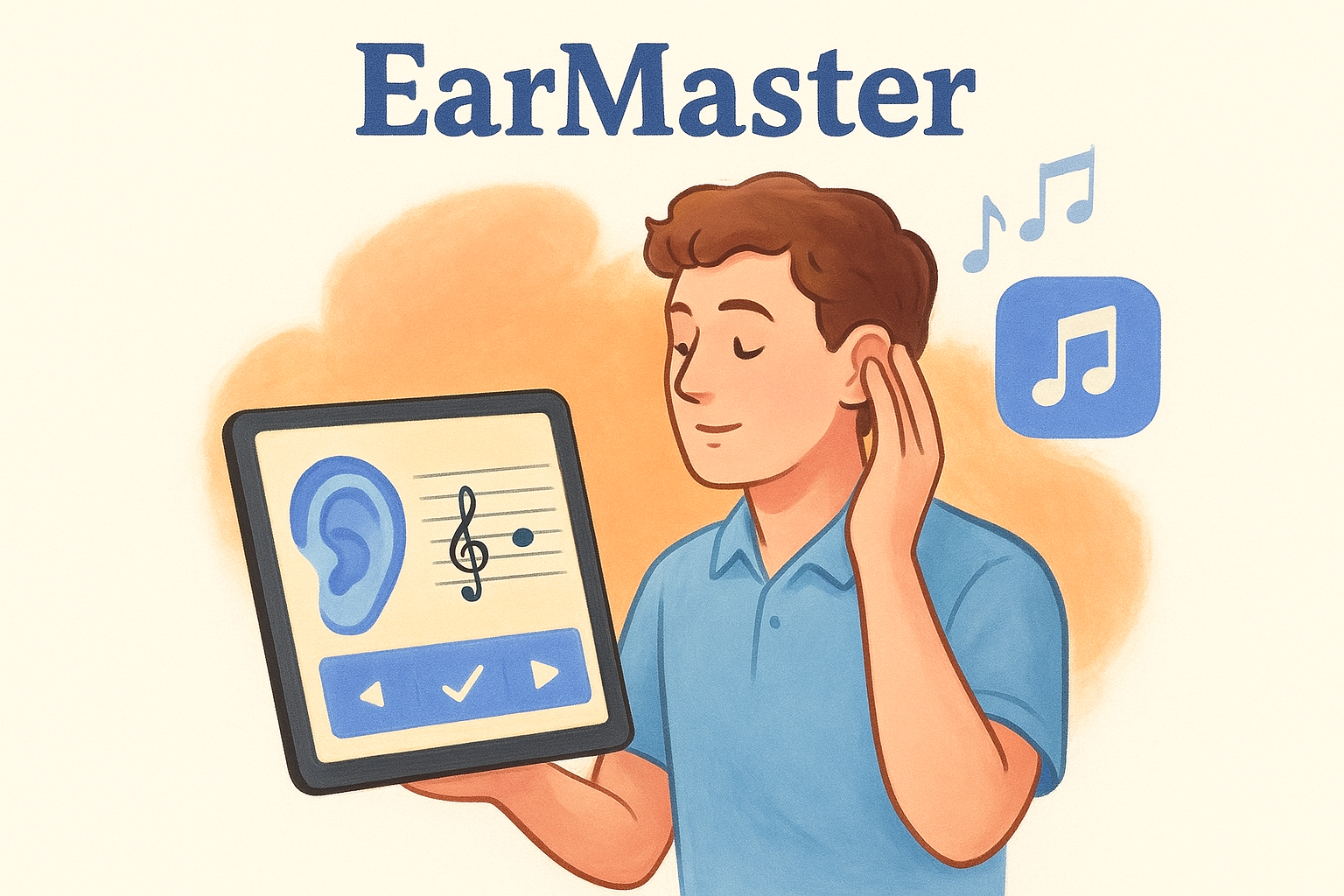
EarMaster tackles the one skill most apps treat as an afterthought: ear training. While Yousician and Simply Piano listen to what you play, EarMaster flips the process and trains you to identify intervals by ear along with chords, scales, and rhythms, which is exactly the muscle sight-singing and improvisation depend on.
How it works
Built around a structured curriculum, the app plays an interval, chord progression, or rhythm pattern, and you identify it before moving to the next question. Sight-singing exercises use your device's microphone to check pitch accuracy, and a built-in metronome and progress tracker adjust exercise difficulty as your ear training accuracy improves.
You can read every note on the page and still be lost the moment you're asked to sing it back by ear.
Who it's for
College music majors preparing for aural skills exams make up a big chunk of EarMaster's audience, since the drills mirror what conservatory programs actually test. Jazz and improvising musicians also rely on it heavily, since recognizing chord qualities and intervals by ear speeds up learning tunes without sheet music.
Key features
- Interval, chord, and scale recognition exercises across multiple difficulty tiers
- Sight-singing drills with microphone-based pitch feedback
- Rhythm dictation exercises with adjustable tempo
- Detailed progress statistics tracking weak spots over time
Pricing
EarMaster offers a free trial with limited exercises, then requires a one-time license purchase (roughly $69-79 for the desktop version) or a separate, cheaper mobile app purchase, depending on which platform you practice on.
7. Musescore
Musescore takes a different angle than everything else on this list: it's notation software, not a lesson app. You use it to write, edit, and play back sheet music, which makes it less about teaching you theory and more about giving you a workspace to build and study repertoire in. Plenty of teachers and self-taught musicians treat it as the free alternative to Sibelius or Finale.
How it works
You build a score by dragging notes, rests, and articulations onto a staff, or you import a MIDI file and clean it up. Playback lets you hear exactly what you've written, instrument by instrument, and you can slow the tempo down to isolate a tricky passage. Musescore.com also hosts a massive library of user-uploaded scores you can browse, transpose, or print for note reading practice.
A free notation tool that plays back your mistakes teaches you faster than staring at silent sheet music ever will.
Who it's for
Composers, arrangers, and band or orchestra students who need to transcribe parts fit Musescore best. Teachers use it constantly to prepare custom exercises, and self-taught players lean on it to slow down and study existing sheet music note by note.
Key features
- Full notation editor supporting multiple instruments and voices
- Instant audio playback with adjustable tempo
- A community library of shared, downloadable scores
- MIDI import and export for working with other software
Pricing
Musescore's desktop software is completely free and open-source. The companion Musescore.com library and mobile app offer optional paid subscriptions for unlimited downloads and offline access.
8. Note Rush
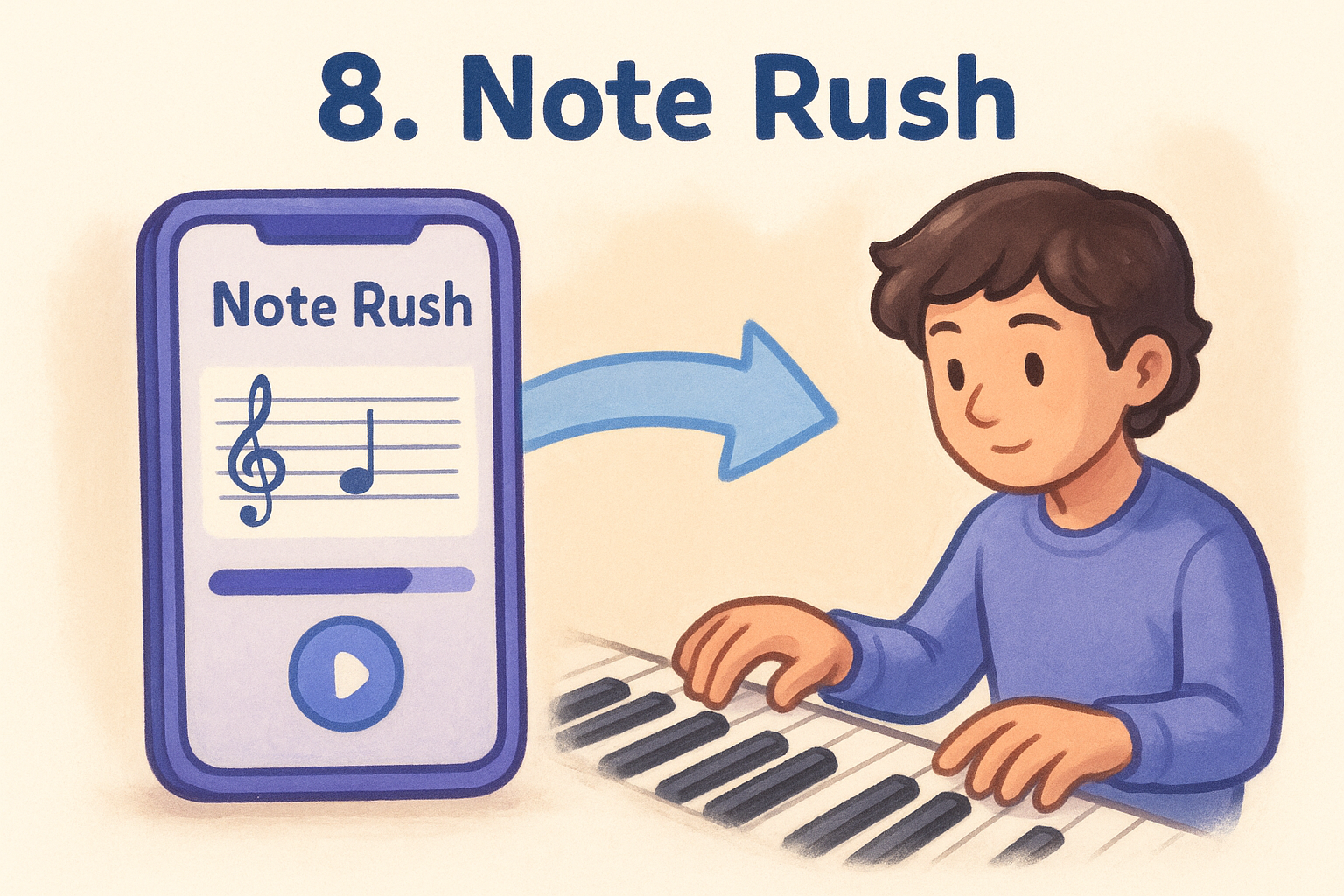
Note Rush strips note reading down to a single drill: a note appears on the staff, and you play it as fast as you can, on piano, guitar, bass, or a MIDI keyboard. There's no song library, no theory lessons, just repetition aimed at killing the delay between seeing a note and playing it. It's built for the exact problem most beginners hit after Simply Piano or Yousician: they can play through a song but freeze when asked to name a note out of context.
How it works
Each round throws a rapid sequence of notes at you within a set clef range, and you either tap the matching key or play it on a connected MIDI device or acoustic instrument through the microphone. Speed and accuracy get scored per round, and the app raises the note range as your note reading speed improves.
Fast note recognition isn't a talent, it's a drill you repeat until the delay disappears.
Who it's for
Note Rush suits piano and guitar students stuck at the "count the lines" stage, plus band directors who assign it for quick warm-ups before rehearsal. Kids respond well to the arcade-style scoring, and adults returning to an instrument after years away use it to rebuild sight reading speed fast, usually paired with a daily sight reading practice routine.
Key features
- Timed note-naming drills across configurable clef and range settings
- MIDI keyboard and microphone input support
- Difficulty that scales automatically with your accuracy
- Simple scoring designed for quick, repeatable sessions
Pricing
Note Rush offers a free version with limited ranges and modes, plus a one-time in-app purchase (typically under $10) that unlocks full clef ranges and instruments.
9. Fender Play
Fender Play is a video-lesson platform built by the guitar company itself, and it leans hard into that pedigree: real instructors, filmed close-up, walking you through guitar, bass, or ukulele one song and technique at a time. There's no note highway and no microphone grading your pitch. Instead, you watch, play along, and mark a lesson complete when you feel ready to move on, which suits players who want a human-taught feel without the real-time scoring pressure of Yousician.
How it works
You pick a goal, style, or artist when you sign up, and Fender Play builds a path of short video lessons around it, mixing chord shapes, strumming patterns, and song breakdowns. Each lesson runs a few minutes long, and you replay sections as needed since nothing is timed or auto-graded. Progress tracking here is self-reported, so it works more like a curated video course than an interactive drill tool.
A guided video path beats random YouTube tutorials because someone already decided what order to learn things in.
Who it's for
Beginner and early-intermediate guitarists who want structure but prefer watching a real player over gamified graphics fit Fender Play best, especially alongside a practice plan for beginner guitarists to organize the week. It also suits players who already own a Fender instrument, since the app ties into product registration perks and instrument-specific tips.
Key features
- Video lessons taught by real instructors, organized by style and goal
- Song-based curriculum covering guitar, bass, and ukulele
- Self-paced lesson tracking with no microphone grading
- Instrument tone and gear tips tied to Fender products
Pricing
Fender Play runs on a subscription, roughly $9.99/month or discounted annually, with a free trial period for new accounts.
Choosing the app that fits your practice
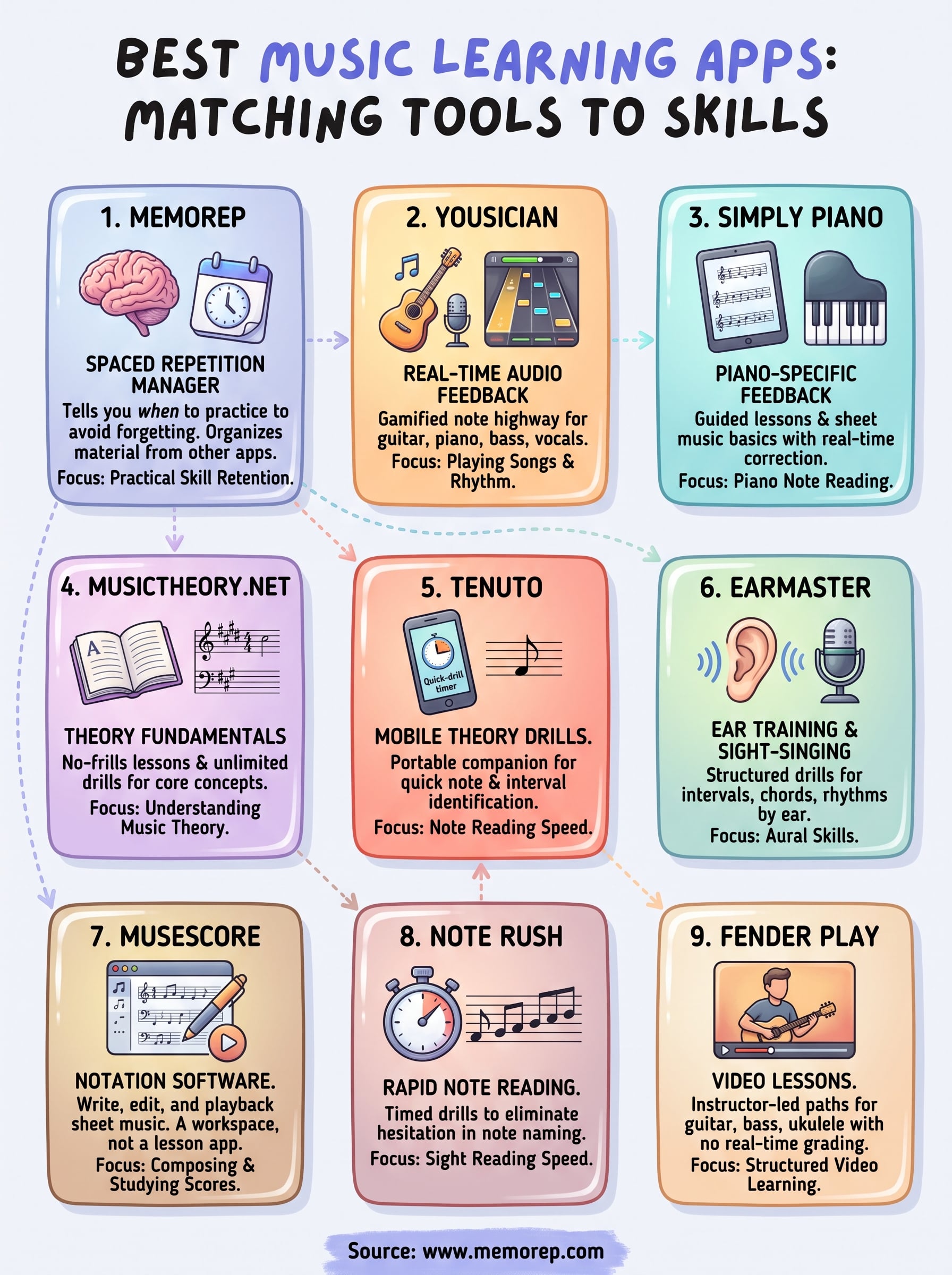
Match the app to the gap you actually have. Yousician or Simply Piano gets you playing songs fast. Musictheory.net and Tenuto fill in the theory fundamentals you'll need eventually anyway. EarMaster sharpens your ear, Musescore gives you a workspace, Note Rush kills note-naming hesitation, and Fender Play hands you a real instructor on video. None of these best music learning apps solve the same problem twice, which is why most serious learners end up running two or three at once.
What none of them do is manage the long-term schedule. Once you're pulling drills from several sources, something has to decide what's about to be forgotten and when to bring it back. That's the gap MemoRep fills. See the scheduling engine behind MemoRep, then try it free while beta spots last, before the first 200 slots fill up.